How LifeCycle works
in practice.
LifeCycle helps you stay ahead of recurring responsibilities instead of reacting late. By focusing on what is coming up, what you are running low on, and what needs attention soon, the app provides a framework for calm, practical control.
What using LifeCycle actually feels like
Instead of managing separate lists, reminders, and notes, everything flows into a single system.
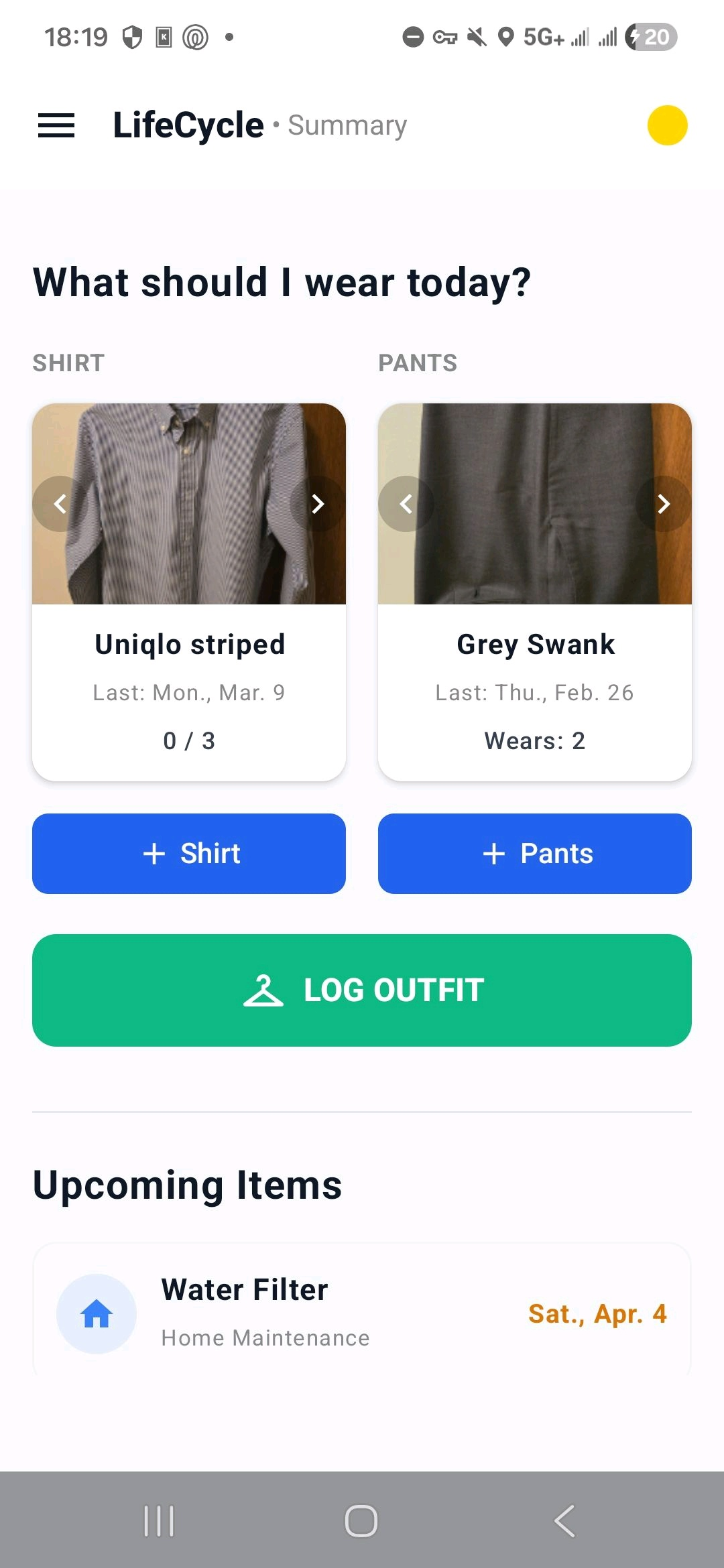
- • Open the app and immediately see what needs attention
- • The most important item is already surfaced for you
- • Everything else is structured by urgency — not buried in lists
- • Handle what matters and move on without second-guessing
A Unified Priority System
LifeCycle determines what matters so you don't have to. The system automatically calculates priorities across every section of the app, surfacing exactly what needs your attention based on due dates, usage, or recent activity.
Red: Needs attention now
Critical items that have passed their window or reached 0% capacity.
Yellow: Coming up soon
Items entering their optimal window for maintenance or renewal.
Blue: Early awareness
Optional tasks or items on the long-term horizon.
The Red Dot
This persistent indicator reflects the most urgent item in your system. If the dot is visible, something needs your attention. As items are handled or snoozed, the dot disappears or fades—providing a real-time feedback signal of control.
Clothing Capacity
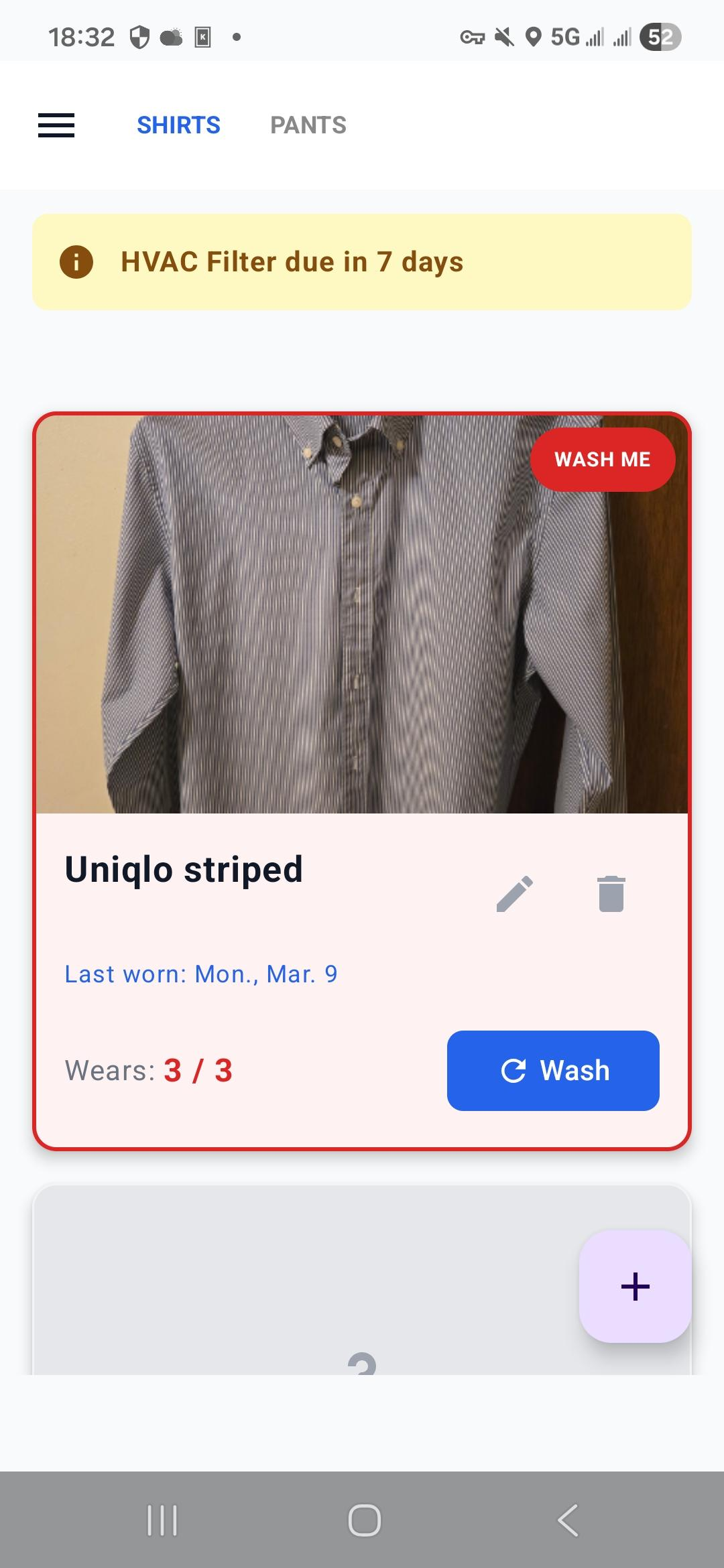
LifeCycle calculates exactly when you will run out of clean clothes. By tracking wear frequency against your total item count, the system predicts your remaining usable capacity and surfaces alerts before your wardrobe is empty.
If you have 5 shirts and wear one per day, the system understands you have 5 days of capacity. It surfaces a "laundry needed" alert before you reach zero—not after.
Predictive Laundry
Know exactly when laundry is necessary before it becomes an emergency.
Balanced Rotation
Identify items that haven't been worn lately to reduce decision fatigue and ensure even wear.
Vehicles
Track service timing automatically. When you log a service update, LifeCycle recalculates the next required date based on the cycle. The app holds the timeline so you don't have to.
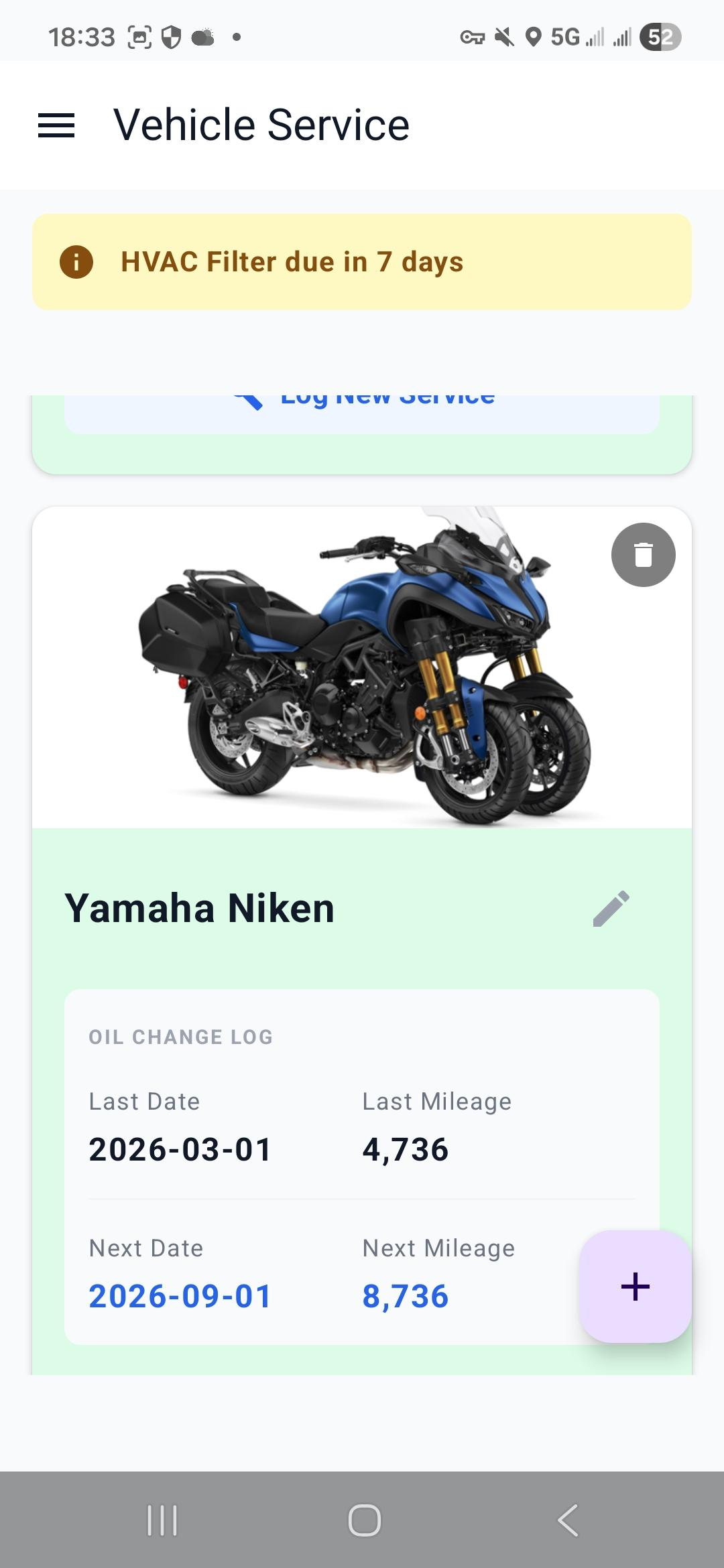
- • Service history tracking
- • Automatic next-date calculation
Home Systems
Management is split between Maintenance for the tasks you perform yourself, and Service Plans for the vendors.
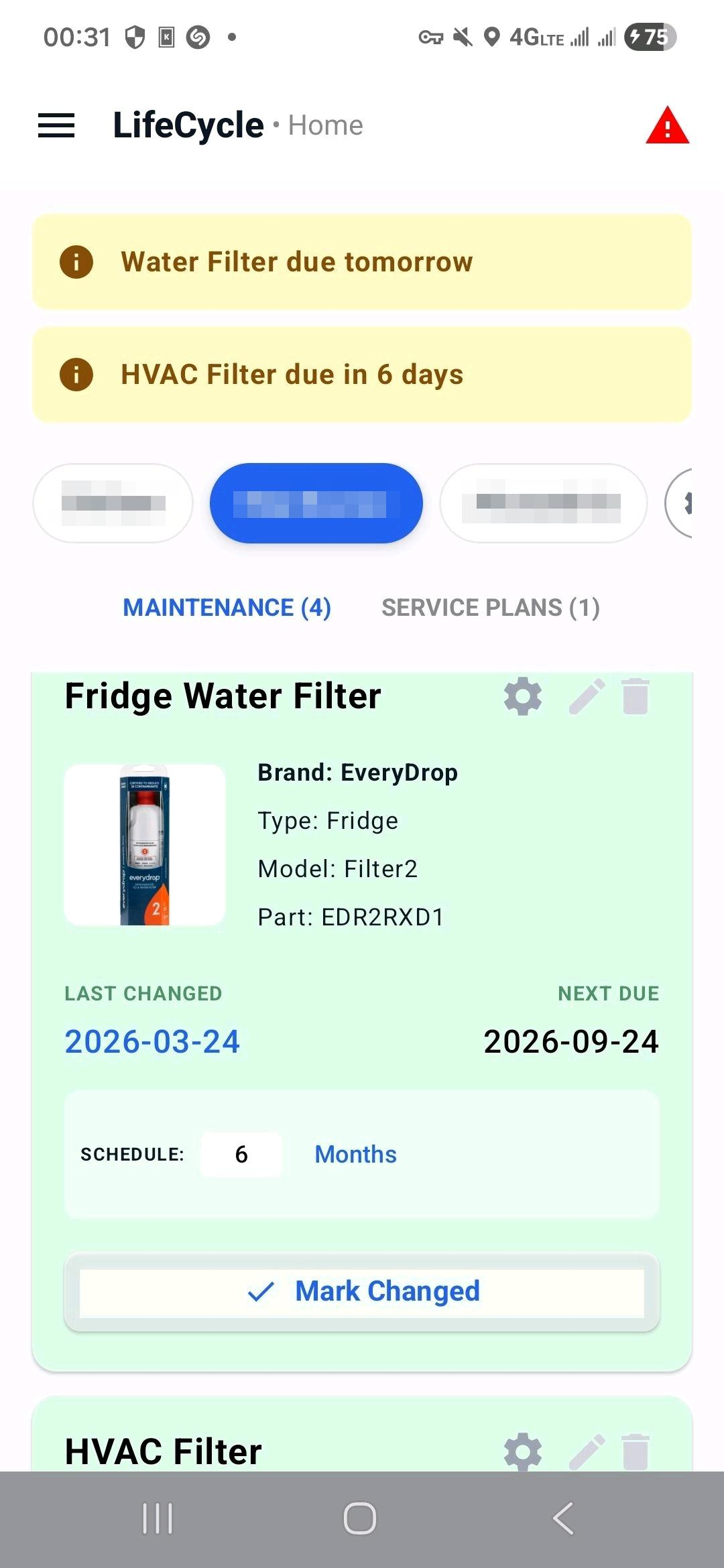
Inspections and appliance upkeep.
The Ledger
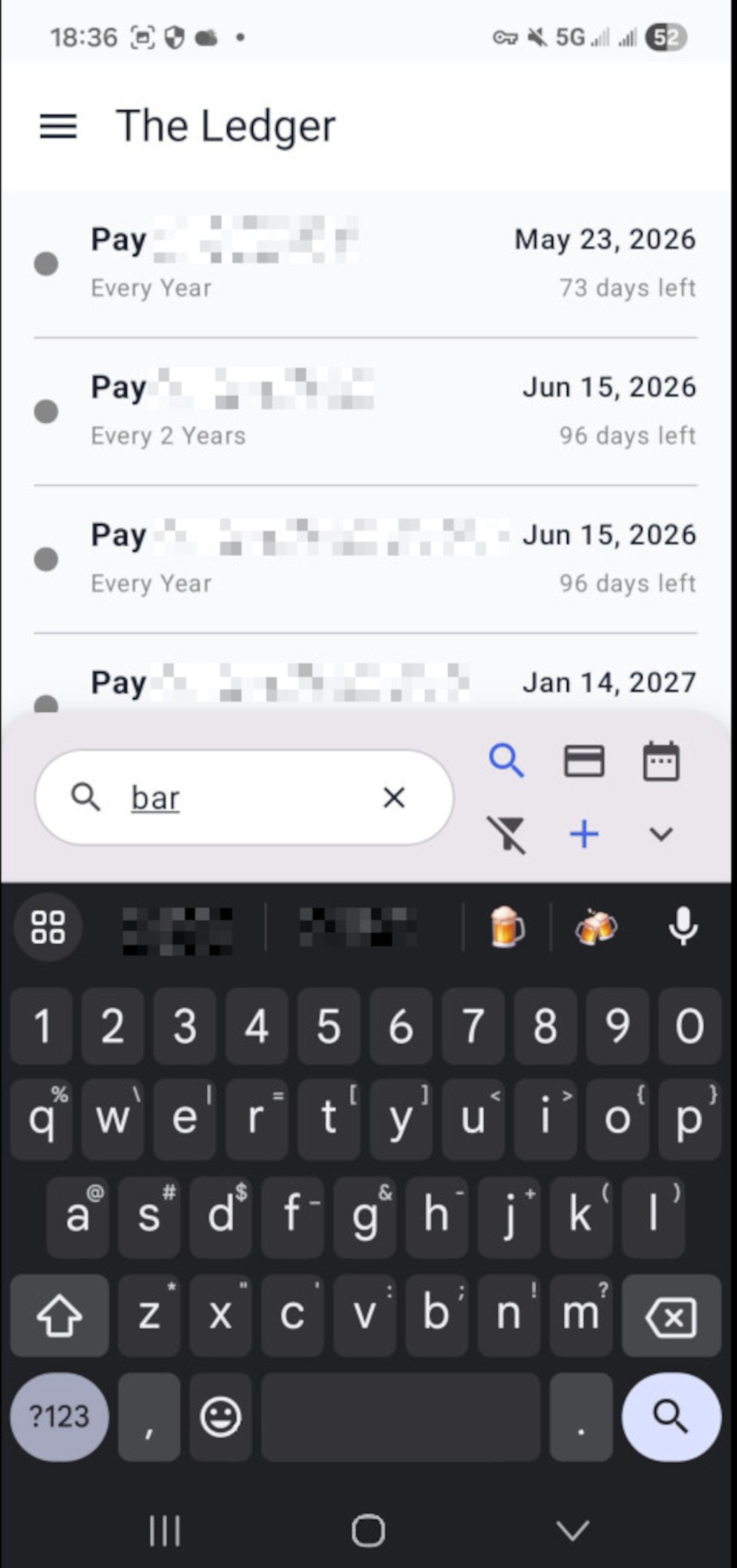
The Ledger is a forward-looking financial timeline. It tracks bills, subscriptions, and recurring payments, acting as a chronological roadmap for your upcoming obligations.
Self-Maintaining Autopay
Autopay items maintain themselves. Dates advance based on their scheduled frequency without requiring manual input.
History & Audit Trail
Every modification is logged. Review when a payment amount changed or audit exactly when you last updated a recurring subscription.
Travel Logistics
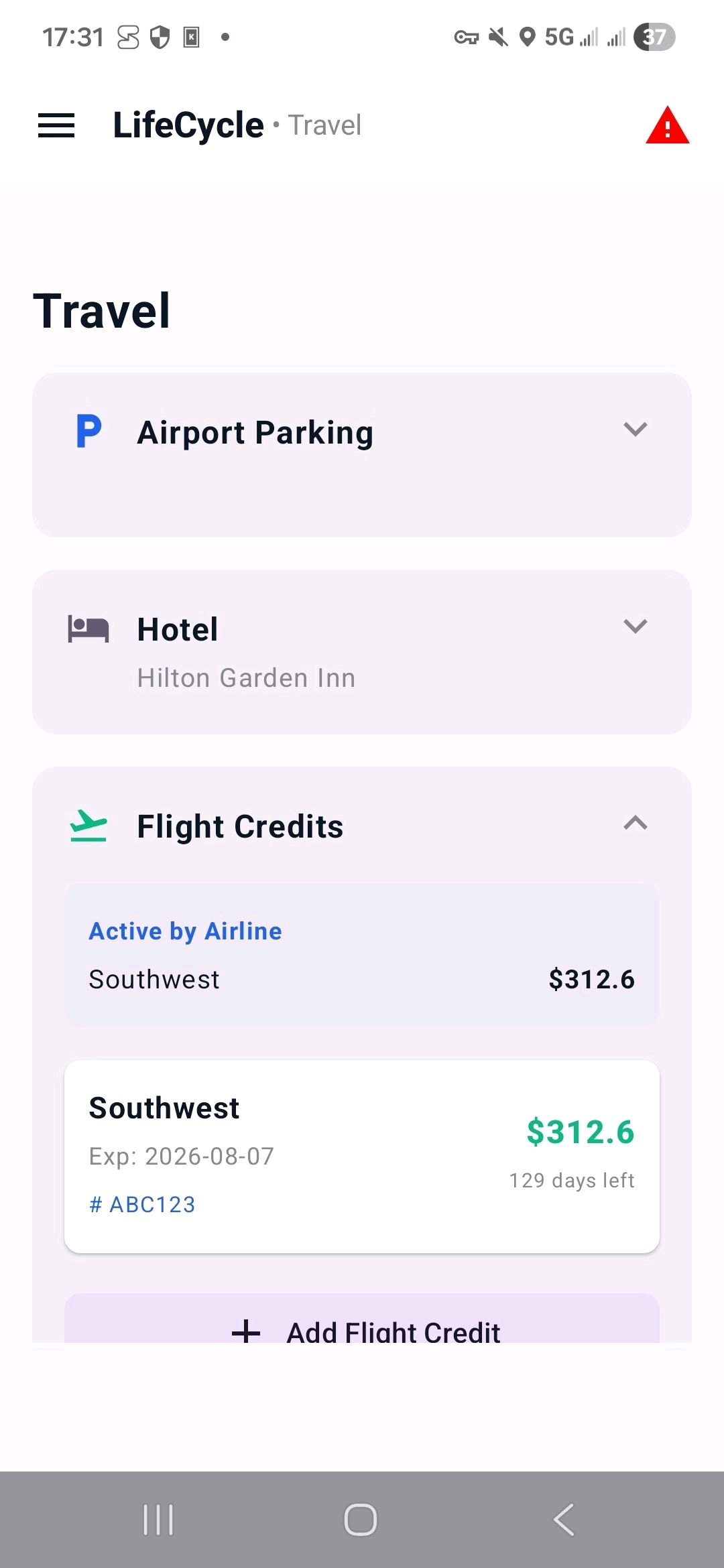
LifeCycle provides immediate value when it actually matters—during the friction points of travel.
Fast Recall
Capture photos that extract coordinates. Re-finding your car in a massive parking lot becomes effortless.
Room Tracking
Record room numbers and hotel details instantly, tied directly to your travel status.
Flight Credits
Log airline credits and expiration dates so your travel value never goes to waste.
Contextual Notes
Notes appear only when you are "Traveling," keeping your home screen clean.
Facility Log
Reliable historical logging with automatic date/time stamps for events that don't fit a standard schedule.
Consistent Interaction
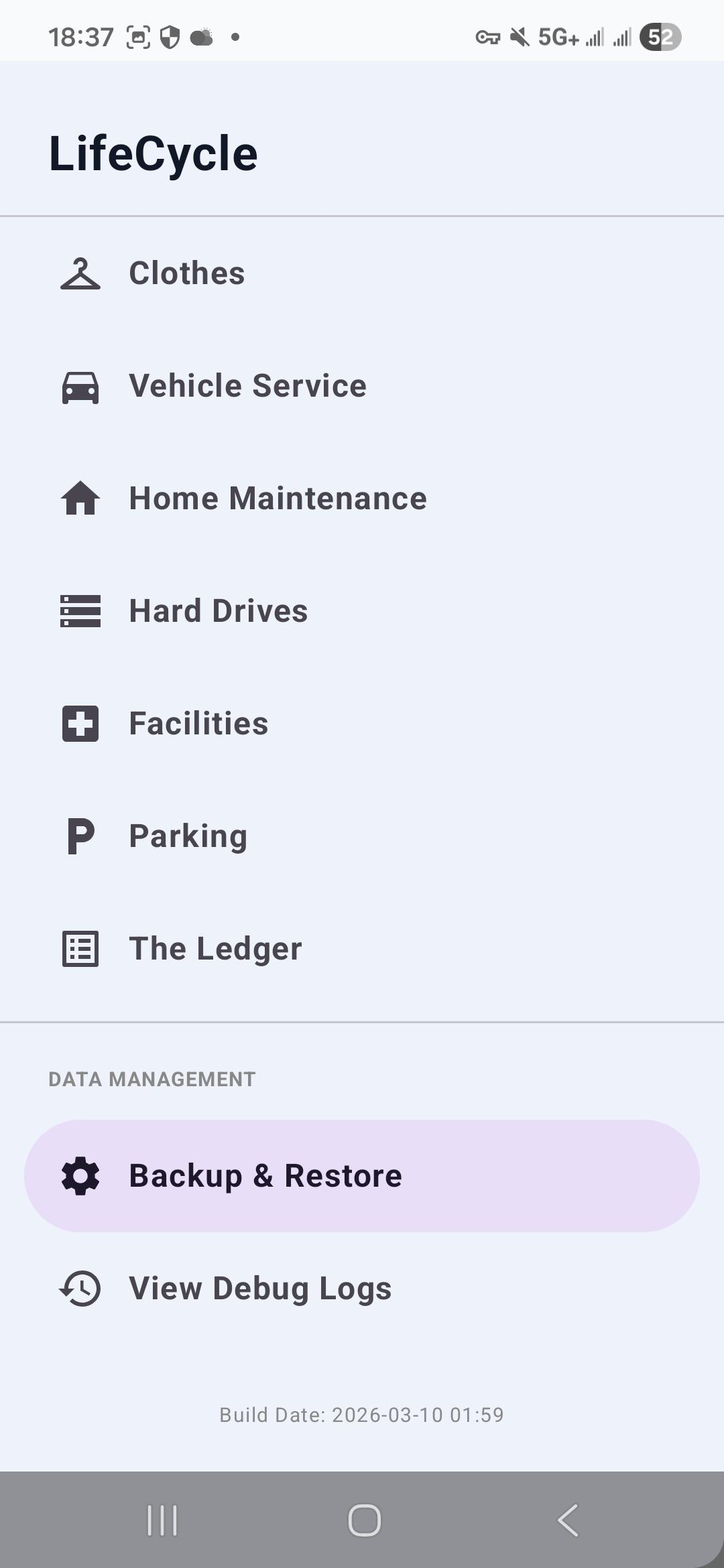
A system you learn once: Tap for quick actions,Long Press for deeper control.
Backup & Restore
Your data remains yours. Create full backups including images and restore them later, protecting against loss.