
What LifeCycle can do
Everyday responsibilities. One place to keep track.
Use LifeCycle for the routines you repeat and the records you want to find again. Start with the sections that matter to you.
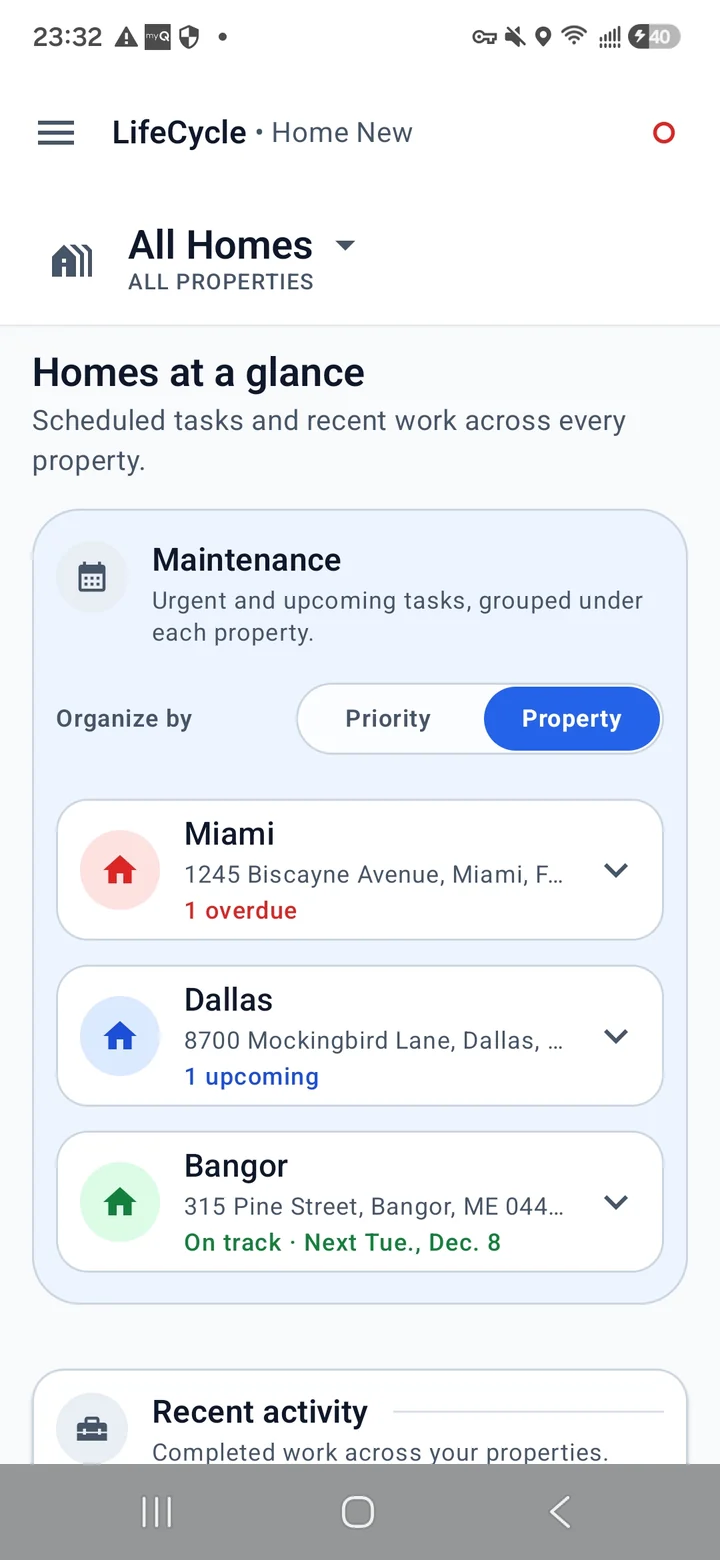
Home maintenance, with a history
Keep properties, systems, assets, and their components organized. Record a filter replacement or a repair alongside the item it belongs to.
- Maintenance schedules and completed-work history
- Provider details, documents, and photos
- Separate tasks for assets and their consumables
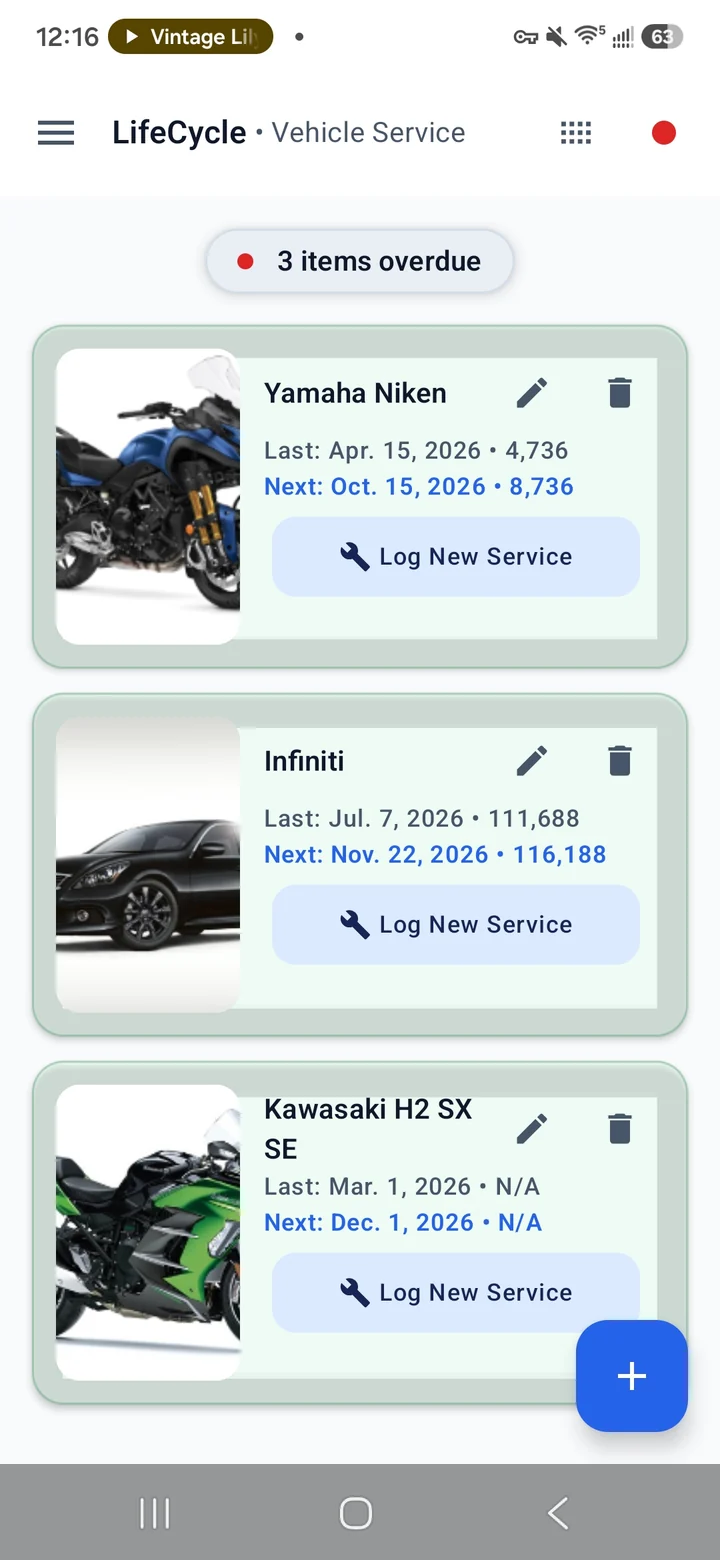
Vehicle service you can track
Log the work you have done and use your chosen service intervals to calculate the next due date. Keep the history ready for your next appointment.
- Service records for your vehicles
- Next due dates based on your intervals
- Reminders as maintenance approaches
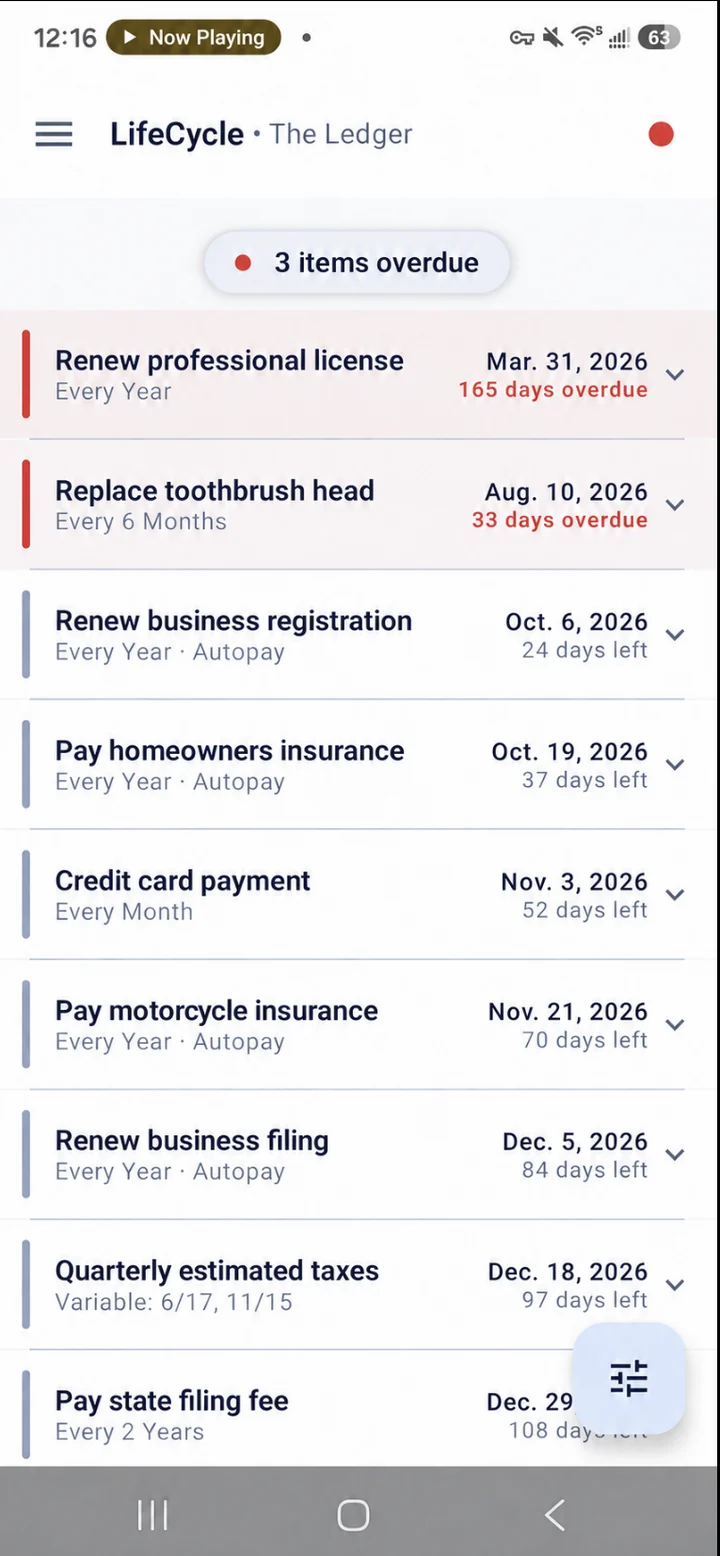
A clearer view of recurring bills
Use the Ledger to organize subscriptions and repeating payments. Review upcoming dates, record completion, and keep payment notes together.
- Manual-payment and autopay tracking
- Recurring dates that advance by frequency
- Filters, search, and completion history
The Ledger records your payment schedule; it does not make payments.
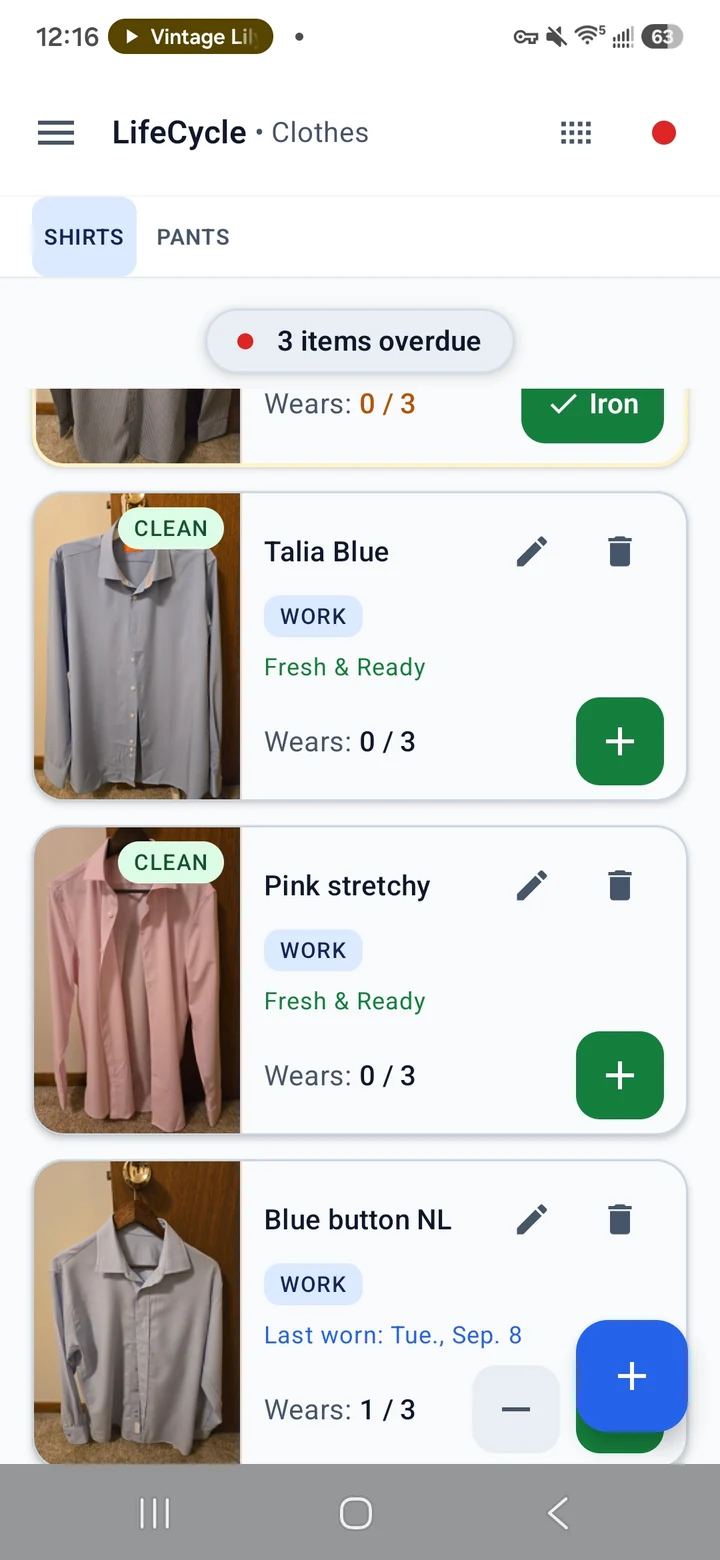
Clothing rotation, made visible
Log wears and washes to keep track of your clothing. Review rotation suggestions in Planning and see when your supply of clean clothes needs attention.
- Wear counts, wash records, and garment history
- Optional brand, style, color palette, and purchase details
- Pause or resume shirts in Planning without losing history
- Retirement with a reason while preserving history
- Shirt and pants rotation and Planning suggestions
Travel details, ready to find
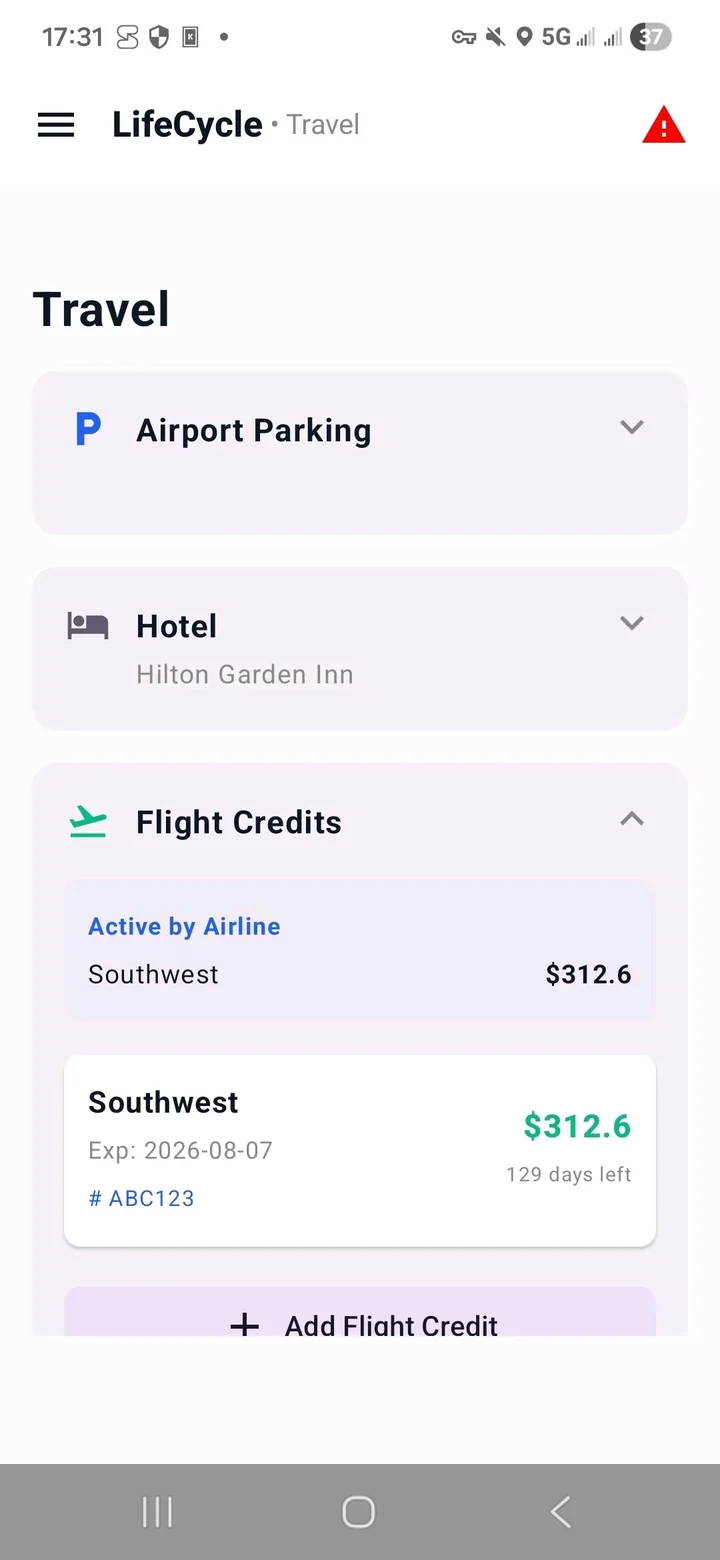
Keep the small details of a trip in one section: parking location, hotel information, flight credits, and rental-car records.
- Parking photos and hotel details
- Flight credits and expiration dates
- Pickup and Return walkarounds with condition notes
- Rental PDF reports with per-photo metadata and complete ZIP exports
Rental-car exports help organize your records; they do not guarantee acceptance in a dispute.
Search and Find & Log
Less looking.
More finding.
Search your current section by name or supported activity phrase. Expand to All sections to find Home items, Clothes, Vehicle Service records, Ledger entries, and Favorite products.
Explore search and Find & Log →You review the action
Search helps you find records. Home Find & Log guides you through choosing the item and task, then reviewing completed work before saving. Other results take you to the existing record and its controls.
Local matching works without AI. Optional on-device Gemini Nano assistance is off by default and depends on device support. There is no cloud-search fallback.
Hard Drives, Facilities, and Travel are not currently included in search.
A reminder window that fits
Choose an alert profile to adjust advance notice. Review Overdue, Due Soon, and Upcoming groups in Planning.
Read the guide — A reminder window that fitsKeep a backup outside your phone
Create manual or daily/weekly automatic complete ZIP backups with records, app settings, and media. Choose local storage or a compatible cloud folder; keep three automatic copies.
Read the guide — Keep a backup outside your phoneKeep other routines on record
Use Hard Drives for backup-cycle tracking and the Facility Log for timestamped events, totals, and average days between visits.
Read the guide — Keep other routines on recordMake room for the rest of life
A little less to remember.
Start with one routine. Add the rest when you need it. LifeCycle is free to use on Android.